Features
Built so you can focus on the work.
Maestro is a thin layer on top of the tools your team already uses. Tasks, calendar, docs — finally in time.
Start free trial See pricingPillar one — Orchestration
Coordinate, don't replace.
Your stack is fine. It just needs a conductor. Maestro reads from the tools you already use and brings their output into one calm timeline.
One timeline, every tool
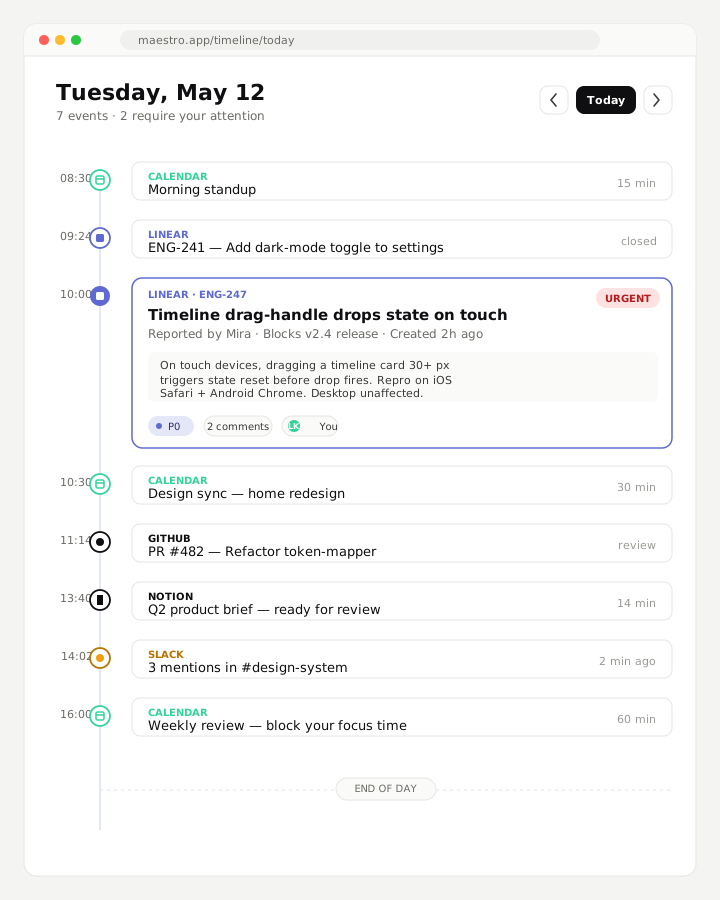
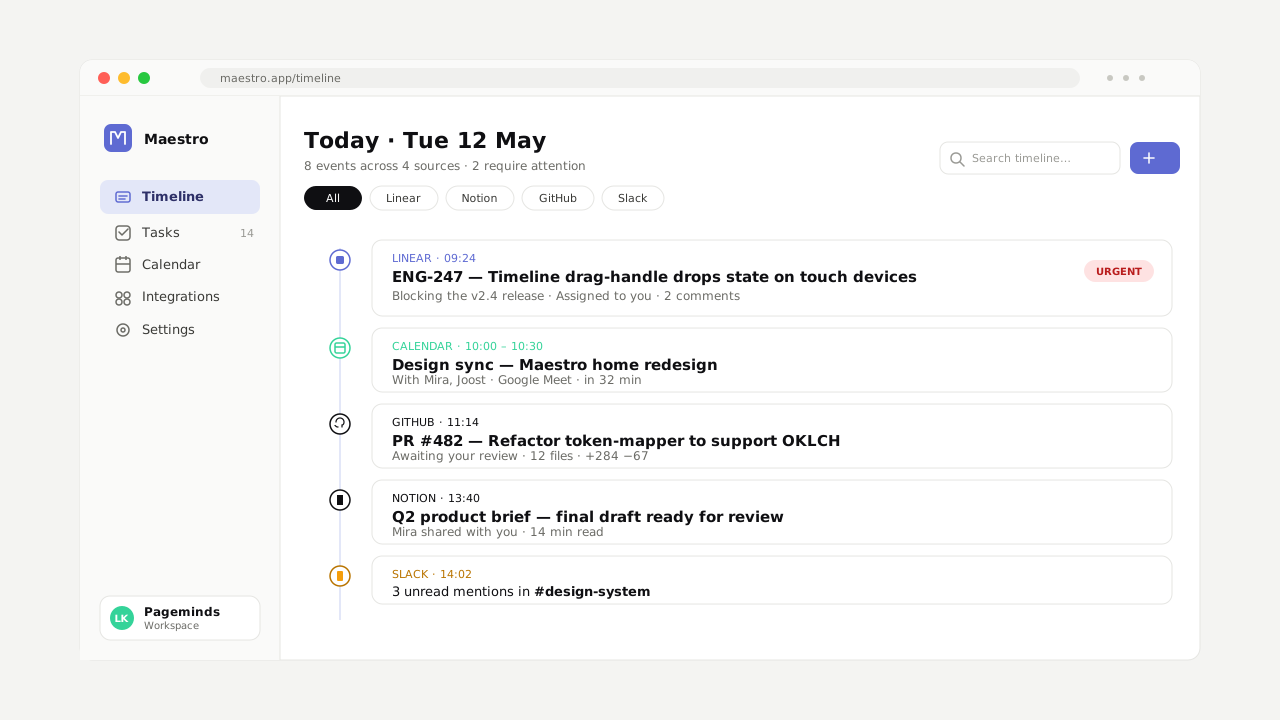
Linear issues, Notion docs, Google Calendar events, GitHub PRs, Slack threads. All ordered by when they happen, not by where they live. You see your day, not your tabs.
Two-way sync, by default
Move a task in Maestro and it moves in Linear. Comment on a doc and the comment lands in Notion. The change is written back where the work lives. No second source of truth.
No migration. Ever.
Maestro doesn't import your data. It conducts it. Disconnect any tool, any time — your work stays exactly where it has always been. Keep what works. Connect the rest.
Pillar two — Calm power
Quiet by design.
Most tools shout. Maestro doesn't. We obsessed over the noise so your team doesn't have to.
Pillar three — Composability
Works with your stack. Not the other way around.
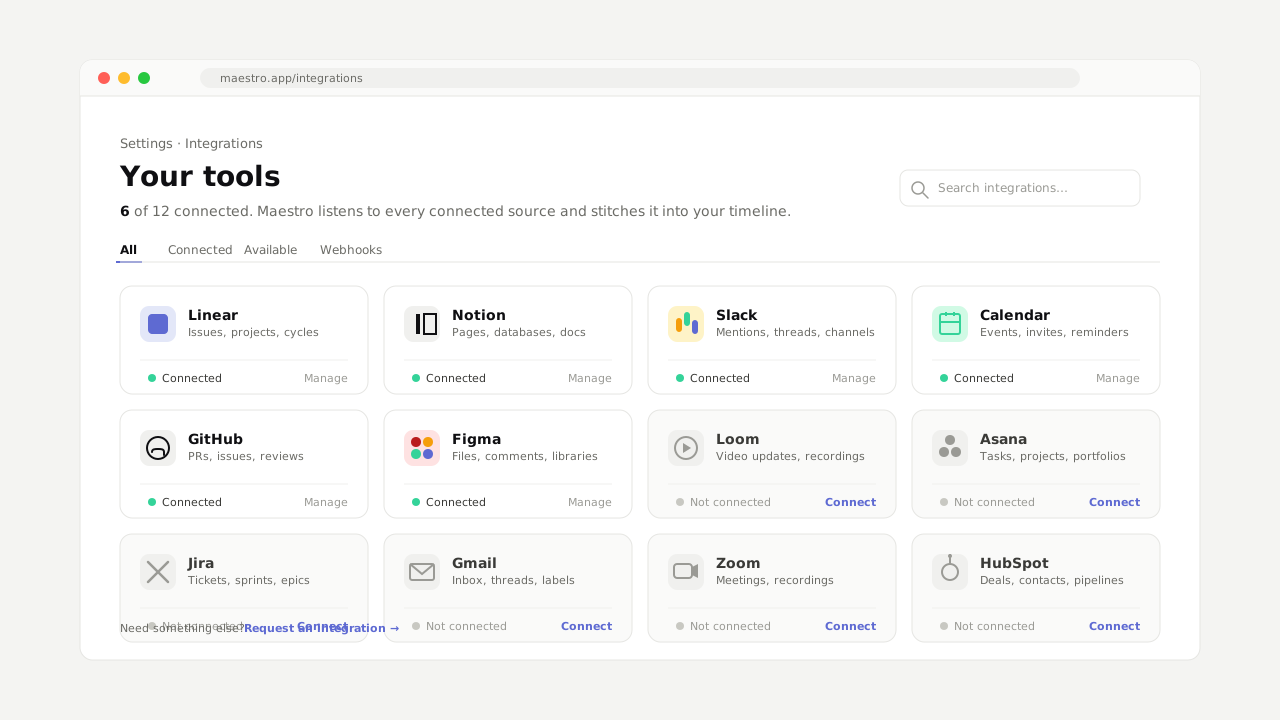
Connect what you have. Drop what you don't. Maestro adapts to your team's setup — not the reverse.
Integrations
Twenty-eight tools, one rhythm.
Maestro speaks fluently with the tools modern teams already use. Connect via OAuth in two clicks. Permissions are scoped narrow — Maestro only sees what it needs to conduct your day.
Maestro AI
An orchestration layer, not a chatbot.
Ask Maestro what's overdue, what's blocking the release, who you should sync with this week. It reads your stack — not the public internet.