Solutions by role
One timeline, every role.
Founders see the week. Engineers see the queue. PMs see the launch. Designers see the review. Same data, four views — kept in time by Maestro.
Start free trial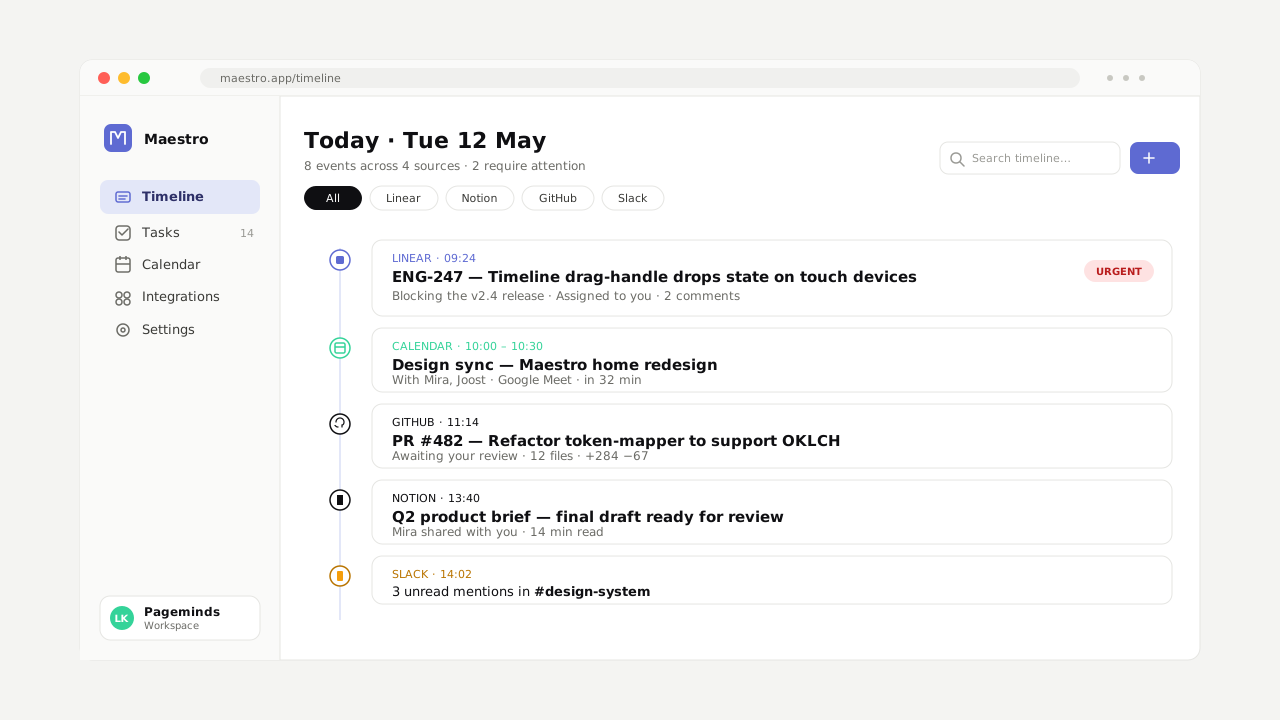
See the week in one screen.
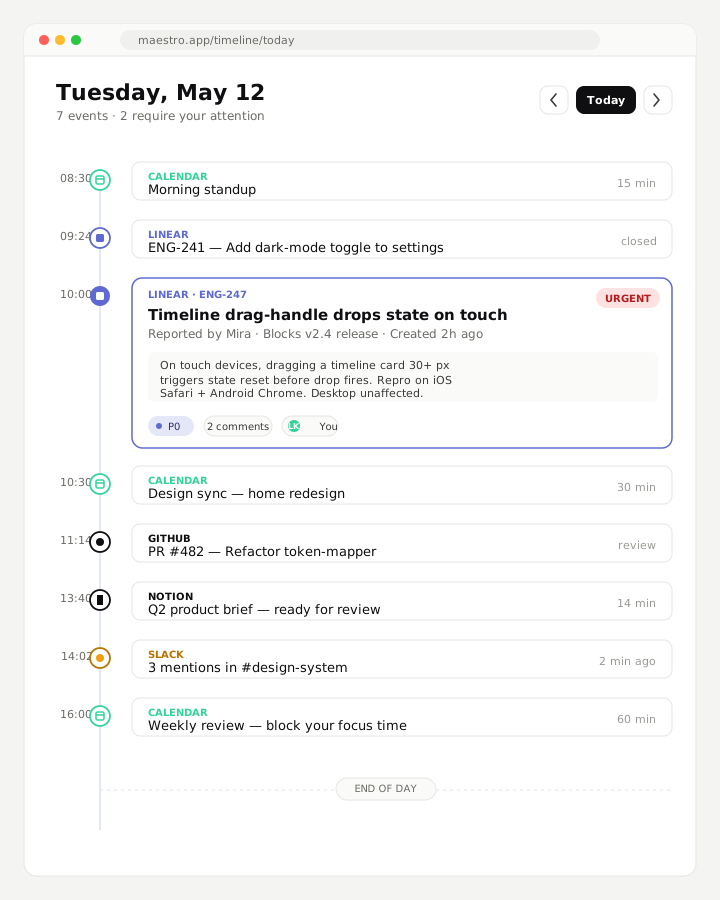
Where the team is, what's blocking, what ships Friday. No more spreadsheet maintained by your COO. Drop into any source tool with one click.
For engineers
Linear, GitHub, Slack threads — ordered by deadline, not by tab. Focus mode mutes the rest while you ship.
For product managers
Launch checklists across Notion, Linear, and Loom. One scrollable timeline from kickoff to GA.
For design teams
Figma reviews, research notes, and ship dates side-by-side. Reviewer pings stop falling between Slack channels.
For sales and CS
Deal updates, customer threads, calendar prep. The week's revenue motion in one rhythm.
For everyone
Two-way sync. Maestro writes back to the source tool — so the change you make here lands in Linear, Notion, wherever it actually lives.
How the role-view works
Three steps. No setup-day.
Connect your tools
OAuth in two clicks. We read what your role needs — and nothing else.
Pick your default view
Founder, engineer, PM, designer, or build your own. Swap any time.
Stop switching tabs
One scroll covers your week. Drop into the source tool with one click.
“I run a 22-person studio. Maestro is the only thing in my browser before standup.”
Lena Visser — Head of Operations, Holm
“The team stopped asking each other ‘where does this live’. The timeline answers it.”
Daniel Park — Engineering Lead, Northwind
“As a PM I gained back two hours a day. That used to be the cross-tool tax.”
Aiyana Ferreira — Product Manager, Lattice Tea